Quickstart
- 1Connect your databaseHead to data.thinair.co/connect, pick your engine, and paste your connection string. That's it — nothing else to configure.
- 2Paste the MCP configCopy the three-line config block below into your AI client's MCP settings file and restart the client. No API key required.
- 3Ask your first question"Show me the 10 largest tables and flag any with high null rates."
On the first tool call, your client opens a browser tab to authorize. Click through once — all future calls are automatic.
Connect a database
Every supported engine takes a standard DSN. Paste it into the Connect page — we test reachability and encrypt the string at rest. No API key is issued or needed; authorization is handled by your MCP client on the first tool call.
postgres://user:pass@host:5432/dbnamemysql://user:pass@host:3306/dbname?ssl=trueServer=host;Database=db;User Id=u;Password=p;Encrypt=strict;
Already connected? Add databases right from your chat with the add_connection tool — you'll get a secure one-time link to paste your connection string.
Set up your client
Three walkthroughs for the most common clients — each step has a screenshot so you can't get lost.
Native custom-connector support — no config file needed.
-
01
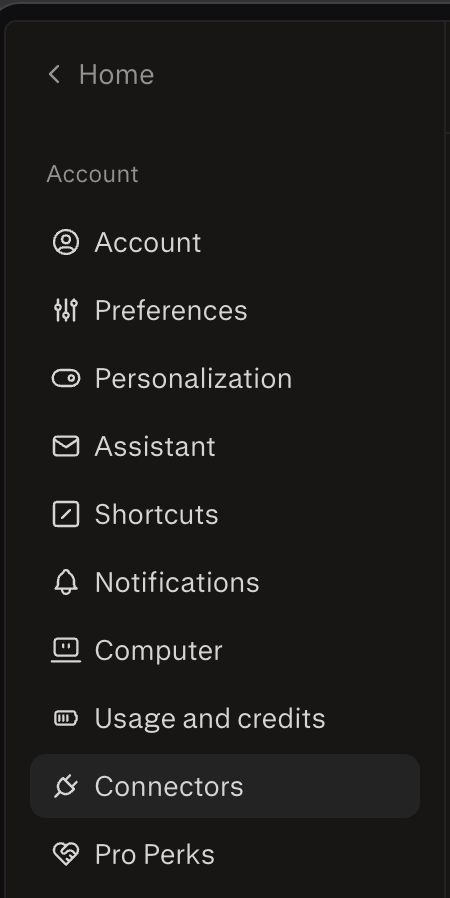
Open Settings → ConnectorsOpen Claude Desktop, hit
⌘,for Settings, and pick Connectors in the left rail.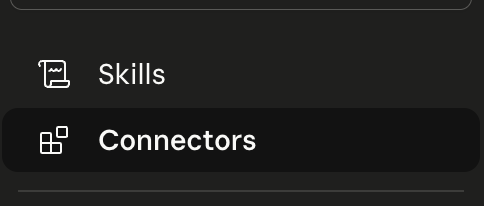
-
02
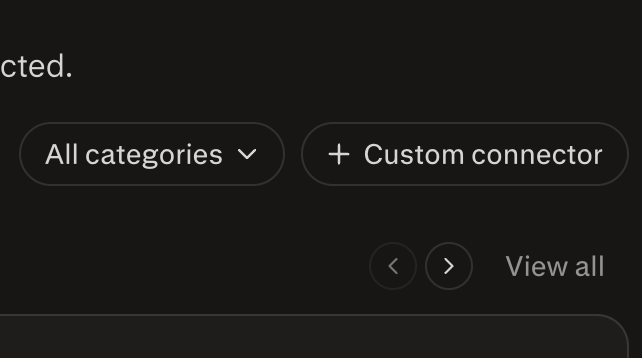
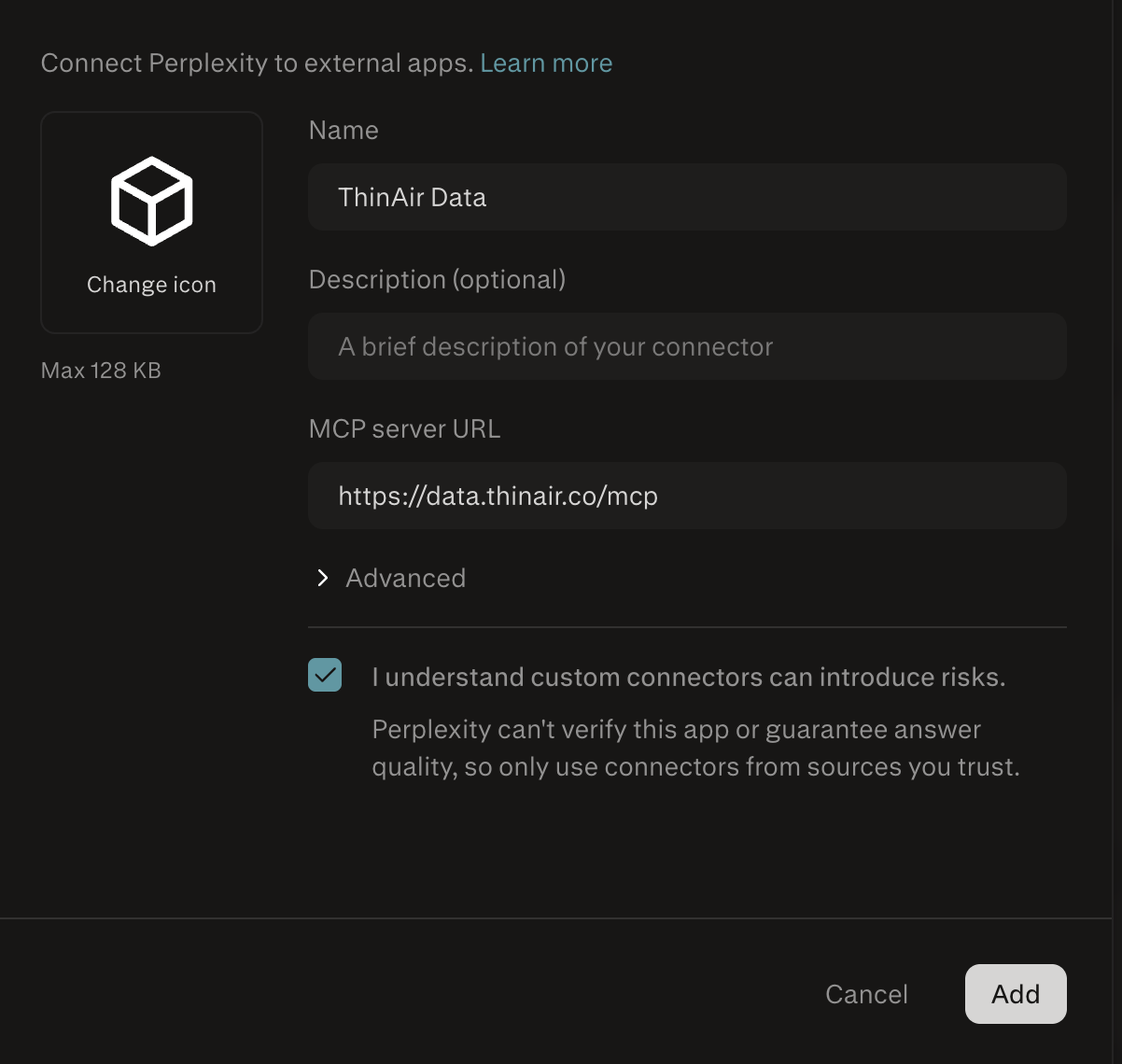
Add a custom connectorClick Add custom connector. Name it
ThinAir Dataand set the URL tohttps://data.thinair.co/mcp. Press Add.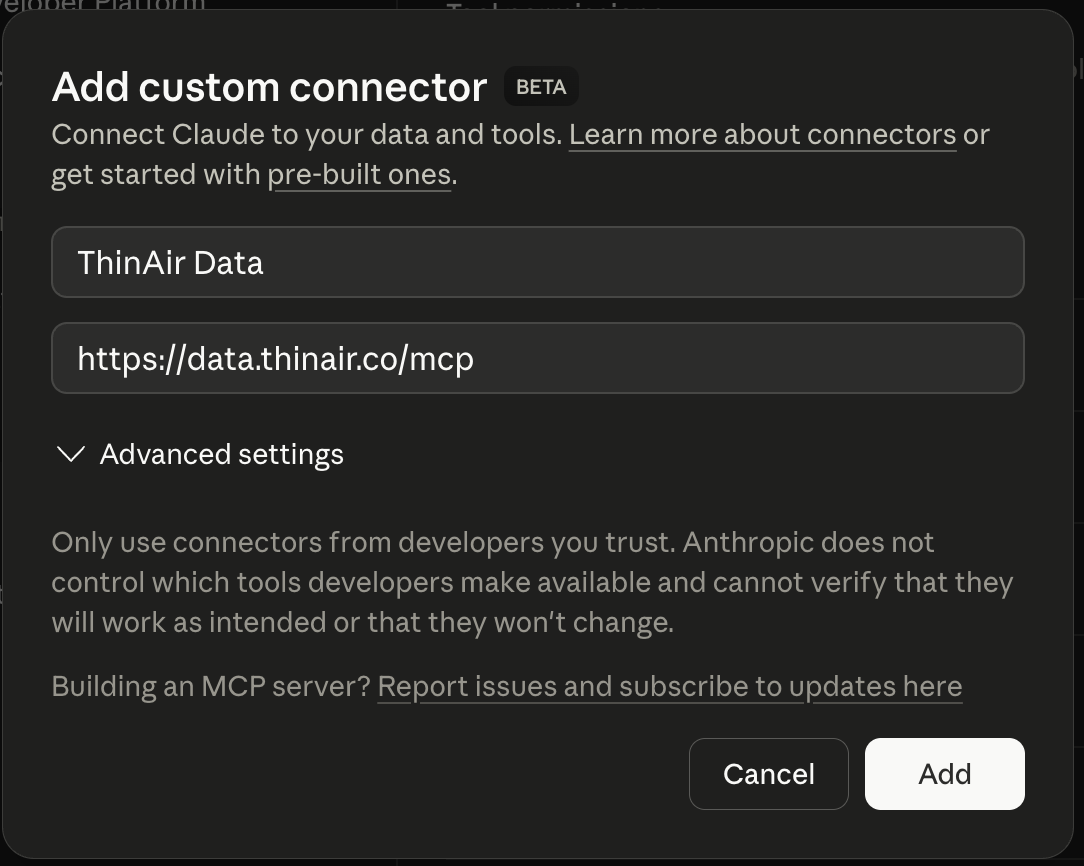
-
03
Authorize on first useAsk Claude to do anything data-related. It'll open a browser tab to
/authorize— paste a DSN, hit Connect, and Claude will store the bearer token locally. No API key to manage.



Raw JSON config
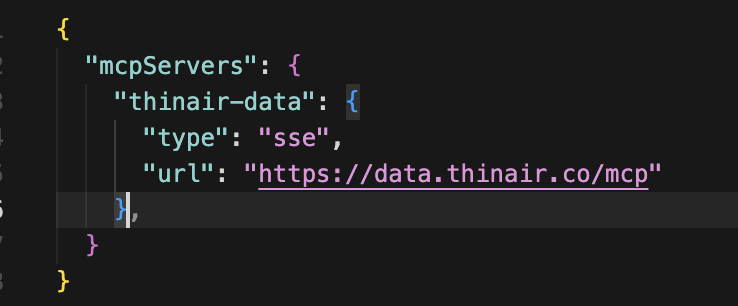
For anything not covered above (Windsurf, Cline, Zed, Continue, curl, CI) — every MCP-compatible client takes the same 3-line config.
~/Library/Application Support/Claude/claude_desktop_config.json{
"mcpServers": {
"thinair-data": {
"type": "url",
"url": "https://data.thinair.co/mcp"
}
}
}
/authorize, paste a DSN, and the client stores a bearer token locally. No manual API key needed.Need to pass an API key manually? (curl, CI, non-OAuth clients)
{
  "mcpServers": {
    "thinair-data": {
      "type": "url",
      "url": "https://data.thinair.co/mcp",
      "headers": { "x-api-key": "your_api_key_here" }
    }
  }
}
Once connected through any MCP client (Claude, Cursor, Copilot…), ask it for the API key console link (the issue_api_key tool) and create the key there yourself — the assistant never creates or sees a key — or grab one from the Connect page.
Your first query
Show me the 10 largest tables in my production database and
flag any with unusual null rates or stale timestamps.
Your agent will chain describe_schema → analyze_table → detect_anomalies. Because every tool is read-only, there's no way to accidentally drop a table.
Supported databases
Tool catalog
Security & privacy
Connection strings are encrypted at rest and never logged. ThinAir Data does not copy your table rows. It does store your encrypted connection credentials until you remove the connection; the first 200 characters of each query's SQL, encrypted, with timing and row counts, for 7 days (the last 100 queries); schema snapshots for up to 30 days; and saved queries until you delete them.
Security → /security — full security & data-handling details.
Upgrading
Need more than 15 queries/day, or the Build/Architect tools? Three upgrade paths — pick the one that matches how you signed up.
-
Discover (free)OAuth session or email-issued key
Go to /checkout, pick Build or Architect, pay. Stripe bumps your plan in-place. No config change needed — same client config, more quota and unlocked tools on the next call.
-
Build / Architect alreadyactive paid subscription
Swap tiers on /checkout. Plan flips on the next request. Downgrade mid-cycle keeps the paid quota until the billing period ends.
Cancel, change card, or switch plan from the Stripe portal:
Sign in to update your card, change plan, or cancel.
-
Enterpriseprivate deploy, SLAs, SSO
Not in self-serve checkout. Talk to us — we provision an isolated environment with dedicated connection pools, bring-your-own-encryption-key, and audit log export.
past_due for 7 days (grace window). Your access keeps working at the current tier during grace. After 7 days, plan downgrades to Discover. No dropped connections, no surprise ejections.